FM Application · Service Providers
Everything about the job on one screen.
The job page
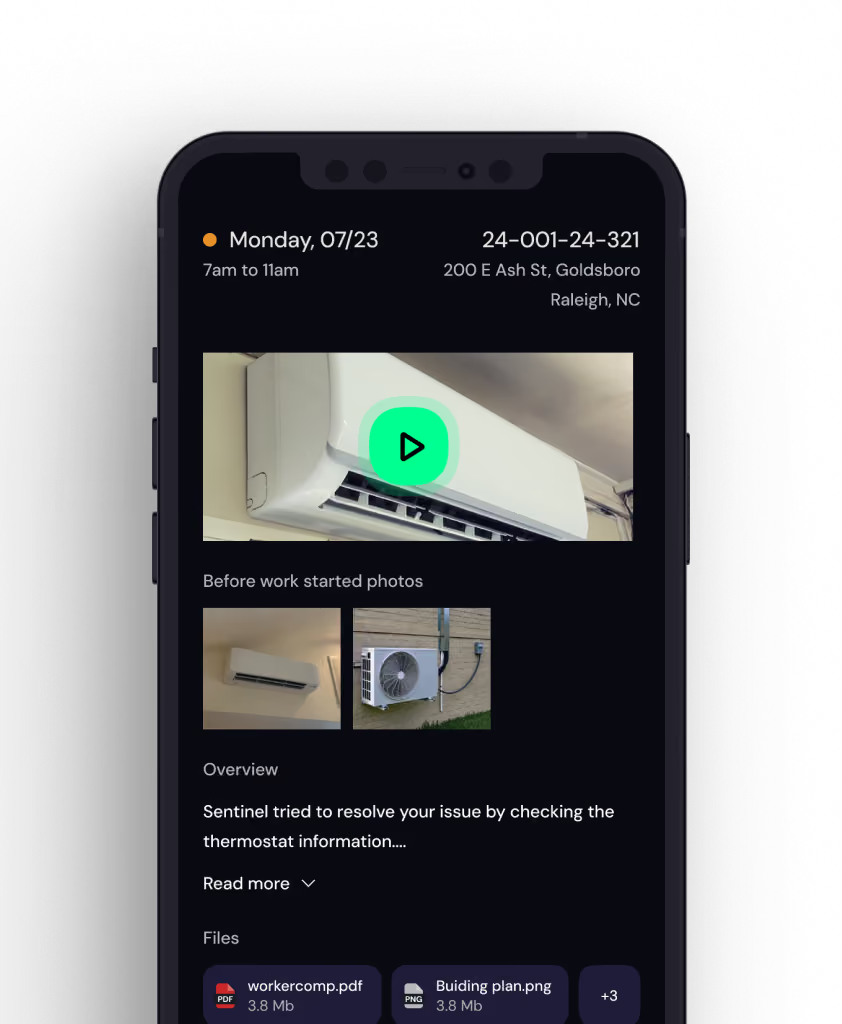
Everything they would otherwise have to ask for is already on the request.
The video the requester recorded. An overview of what has already been tried. The requester's number and the property manager's number. The not-to-exceed for that service type. The site protocols they will need at the door. All of it visible before they decide whether to take the job.
Your own work list
One link opens every job assigned to them, across every customer running on Sentinel. No account to create per client and nothing to install.
A decision, not a form
Can you do this job? Yes under the not-to-exceed, yes with an estimate, or no. Answering no passes it to the next provider without a phone call about it.
Told three ways
An email with the detail, a text pointing at it, and an automated call. On emergencies the call itself can take a verbal acceptance and assign the job there and then.






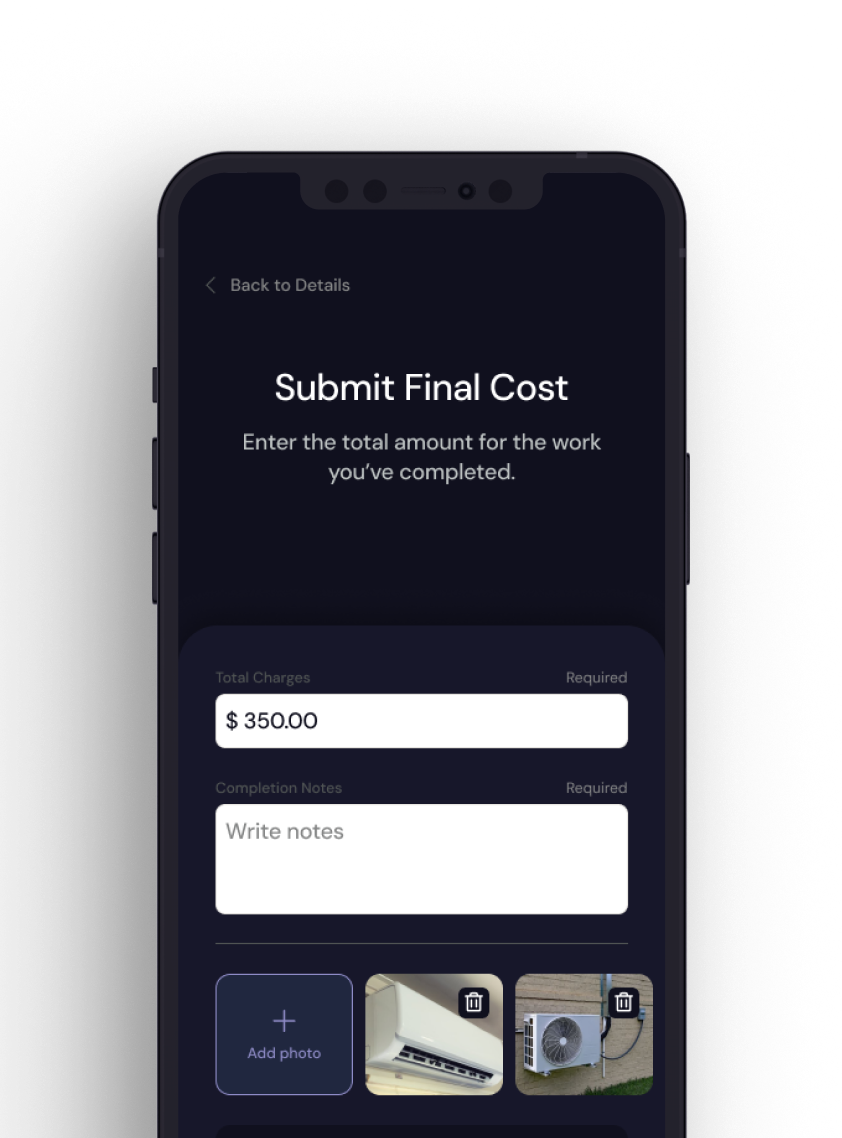
Pricing and closing out
Numbers agreed in the app, not argued afterwards.